
DLSS 5 Swapper
Install, configure, and restore DLSS 5 community components. Find the right setup for your game.
Independent guide to rakanki911's project.
- v2.2.7
- Windows 10/11 x64
What do you need to do?
Start with the task in front of you.
Choose a route before you install
Start with your graphics card and game. We'll narrow down the documented route and show what still needs checking.
Prefer the written checklist?
- Investigate the native DLSS / RenoDX route
- The project documents a native route for eligible DX12 games. This is a starting point; it does not establish a successful neural pass for your game.
- Investigate the ReShade / Feeder route
- The project lists this route for compatible games without native DLSS. Success still depends on the game's inputs, matched components and runtime.
- Check the native-input consumer before installing
- Native DLSS with this renderer needs a route-specific check. Eligible OptiScaler paths have additional input, bitness and model requirements; the Blackwell model is not a universal older-card solution.
- Check the legacy renderer or emulator route
- Legacy APIs need renderer- and bitness-specific bridging. This helper cannot establish those conditions from a generic renderer label.
- Check whether the game offers DirectX 11
- Swapper v2.2.7's Feeder integration does not directly support DX10. A feature in a separate Feeder release may not be available through this app.
- Check support for this GPU before installing
- Swapper's ReShade / Feeder requirements list RTX 20, 30, 40 and 50 families. Support for AMD, GTX or Intel in another upscaling component does not establish support for this neural-rendering route.
- The download requires Windows 10/11 x64
- The v2.2.7 installer and portable application are for Windows. Linux/Proton and other systems do not have a confirmed installation procedure in this guide.
- Check the game's rules first
- An installation route cannot tell you whether a game permits injected components. Do not use a technical support listing as permission for an account or protected session.
The compact F8 panel is limited to the documented x64 DX11/DX12 Feeder or RenoDX v4.7 setup, with Swapper running. Multipass uses Home.
Your driver is newer than the publisher's last measured baseline. v2.2.7 permits installation with a warning; this is not proof that all newer drivers fail.
Something not working?
Start with what you can see. Follow the checks for that symptom.
What is DLSS 5 Swapper?
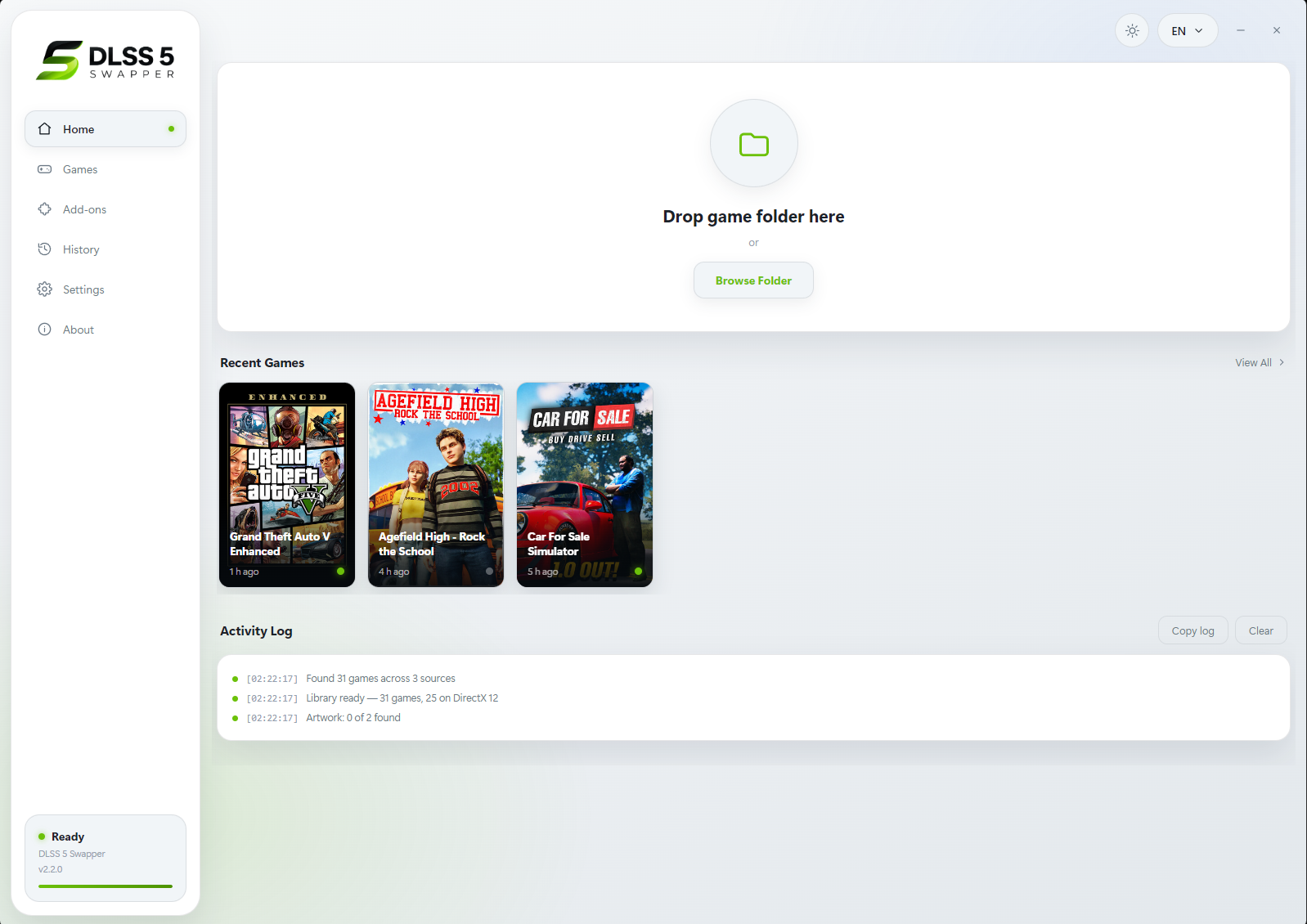
DLSS5-Swapper is a community-developed Windows application by Rakan Alkhaldi for installing, configuring and restoring DLSS 5-related components in compatible games and emulators. Its routes include native DLSS, ReShade/Feeder and eligible OptiScaler configurations.
This guide covers rakanki911's DLSS5-Swapper and its community neural-rendering routes. beeradmoore's DLSS Swapper is a separate library-management project. Similar names do not mean the same features or installation steps.
About this siteBrowse all guides
One guide for each task, with requirements, checks and a way back.
Download
Official releases and package choices.
Setup
First use, installation routes and game setup.
Restore & Update
Update components or restore original files.
Compatibility
GPU, driver, operating system and API requirements.
Settings
Understand add-ons, Multipass and performance.
Troubleshooting
Find the cause from the symptoms you see.
Comparison
Choose the tool that fits your workflow.
Safety
Software sources, warnings and online play.
Keep a way back
Before switching routes or removing the application, restore the game's original files. Then check that the unmodified game works.